

Profile & Preferences
Your personal account settings live in the Account section of Settings, separate from anything organization-wide. Here you manage how you appear to teammates, your timezone, your password, and how the app looks and notifies you. The same section is where you download a copy of your personal data or close your account for good. These settings follow you, not the organization you're currently working in.
Profile
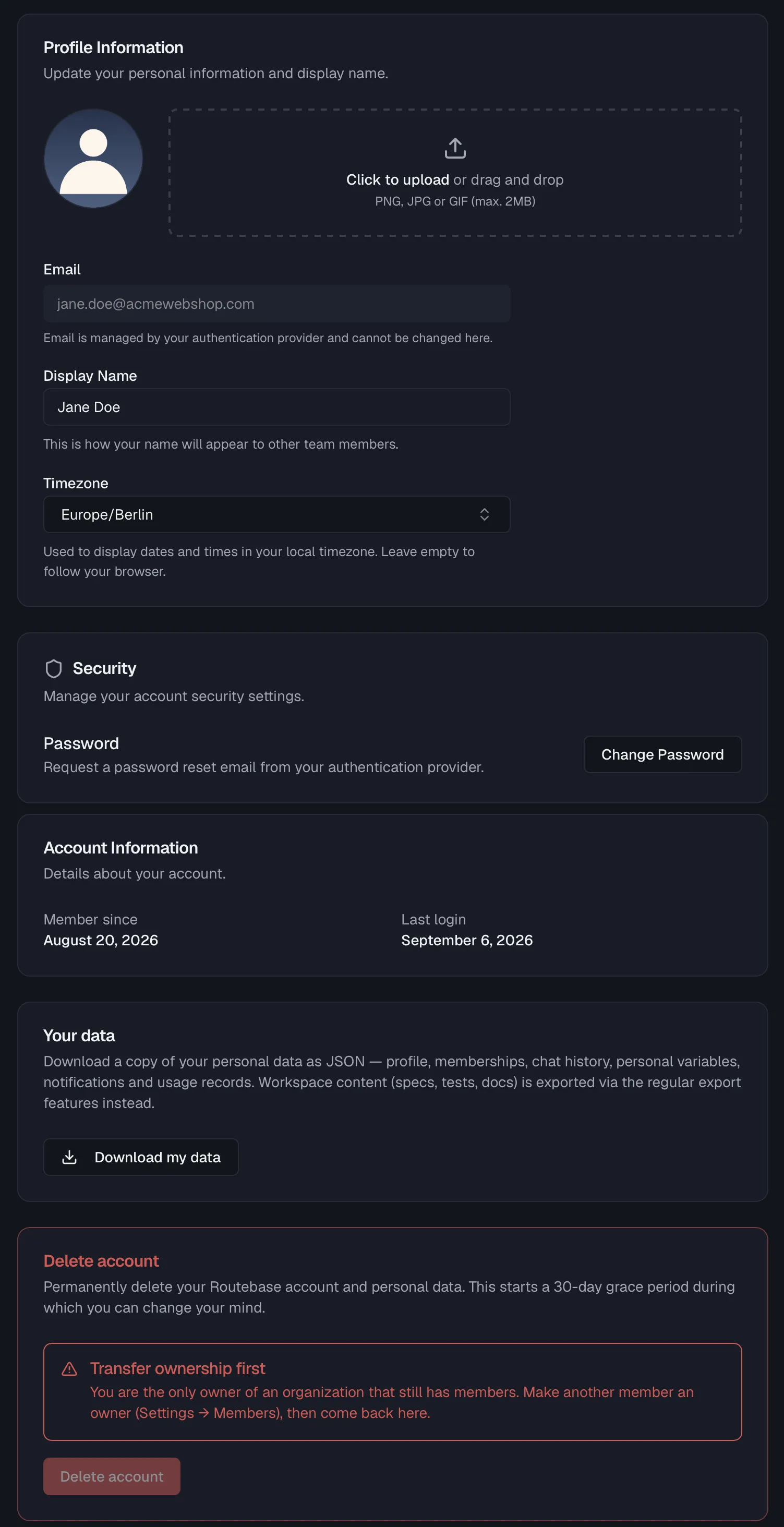
Open Settings → Profile to manage your personal information.
| Setting | What it does |
|---|---|
| Avatar | Your picture, shown next to your name across the app. Click the upload area or drag and drop a PNG, JPG, or GIF (max. 2MB). |
| Shown read-only. Your email is managed by your authentication provider and cannot be changed here. | |
| Display Name | How your name appears to other team members. |
| Timezone | A searchable list of timezones, used to display dates and times in your local timezone. Leave it empty to follow your browser's timezone. |
Click Save Changes to apply your edits. A save indicator confirms when the changes have persisted, and Reset discards unsaved edits.
Changing your password
Under Security, click Change Password to request a password reset email from your authentication provider. Check your inbox for the reset link and follow it to set a new password.
Account information
The Account Information card shows when you joined ("Member since") and your last login date.
Your data
Below the account cards, Your data lets you download a copy of your personal data as a single JSON file, which covers your profile, memberships, chat history, personal variables, notifications and usage records. Click Download my data. The file is prepared on the spot and saved as routebase-data-export-<date>.json. This is the GDPR Art. 20 export, and it is available on every plan.
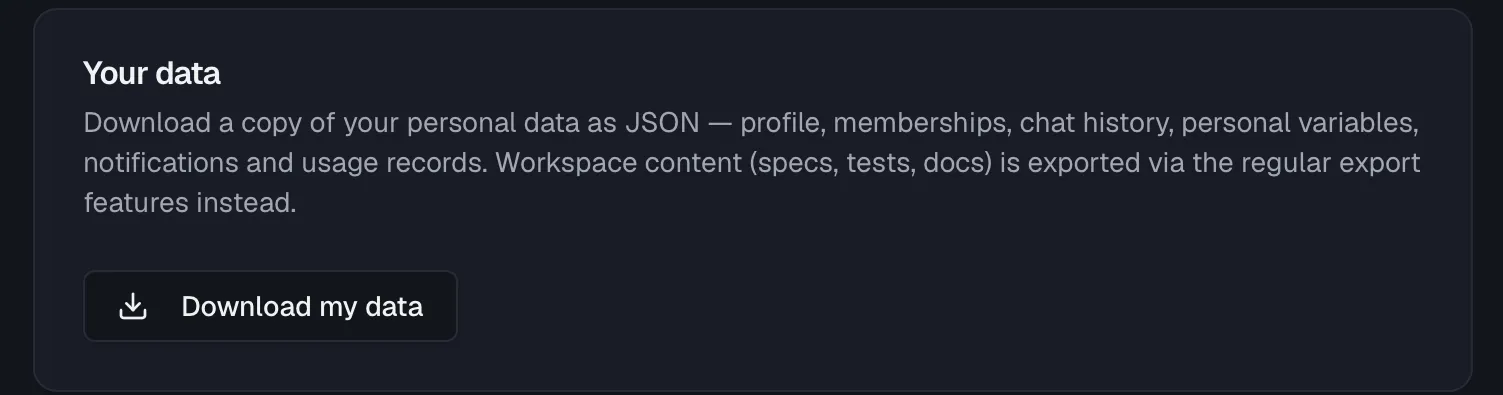
The export is deliberately about you, not about your workspace. Specs, tests and documentation belong to the organization, so they are exported through the regular export features instead. For specs, see Import & Export.
Left an organization? You don't lose access to your export. The email you receive when a membership ends carries a Download my data link that works without signing in. It is single-use and expires with the deletion date named in that mail, so download the file rather than bookmarking the link.
Deleting your account
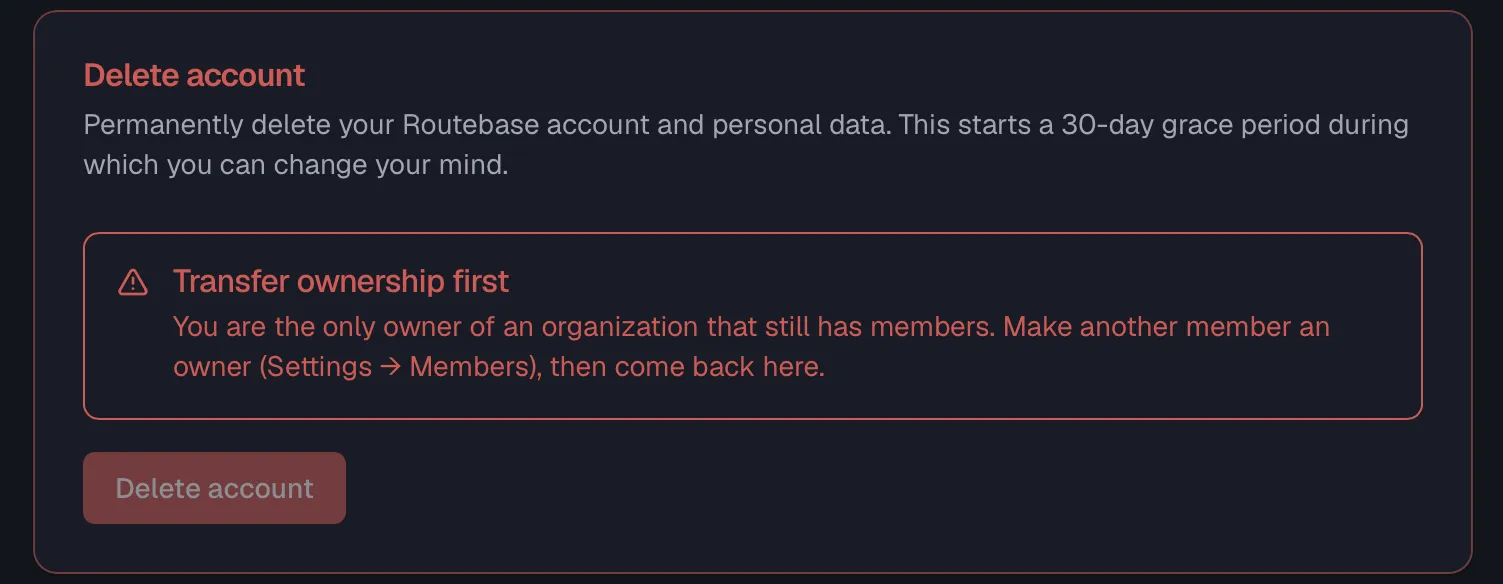
The last card on the Profile page is Delete account. It reads "Permanently delete your Routebase account and personal data. This starts a 30-day grace period during which you can change your mind."
If your account is managed by your identity provider
Users who sign in via SSO or are provisioned by SCIM see an explanation instead of a button, which reads "Managed by your identity provider". Your organization's IdP owns the account lifecycle, so ask your administrator to remove you there.
What can block the deletion
Two situations stop the deletion until you resolve them. Each one appears as an alert on the card, and the Delete account button is disabled:
| Blocker | What to do |
|---|---|
| Transfer ownership first | You are the only Owner of an organization that still has members. Promote another member to Owner under Settings → Team, then come back. |
| Cancel your subscription first | Your workspace has an active subscription. Cancel it under Billing, and you keep access until the end of the current billing period. |
The confirmation
Clicking Delete account opens a dialog that first tells you exactly what happens, then asks you to type your email address to confirm:
- What gets deleted — your login and all active sessions, your profile (name, email, avatar), your personal data across all workspaces (chat history, personal variables, notifications, review assignments), and your API keys. If you are the sole Owner of an organization that has no other members, that workspace is listed here too and goes with you.
- What is retained — if your organization was ever invoiced, Routebase keeps the invoices and billing records for the statutory retention period, plus an anonymized account record so those documents stay verifiable. Otherwise it keeps a privacy-preserving fingerprint that prevents repeated free trials, automatically deleted after 24 months.
Confirming signs you out immediately and sends you a confirmation email with an undo link. The deletion becomes permanent only after 30 days. Until then the link restores the account, along with the workspace if one went with it, and it works without signing in because the account is already deactivated. Grab your export from the Your data card before you delete. The dialog reminds you of this.
Preferences
Open Settings → Preferences to customize your personal experience.
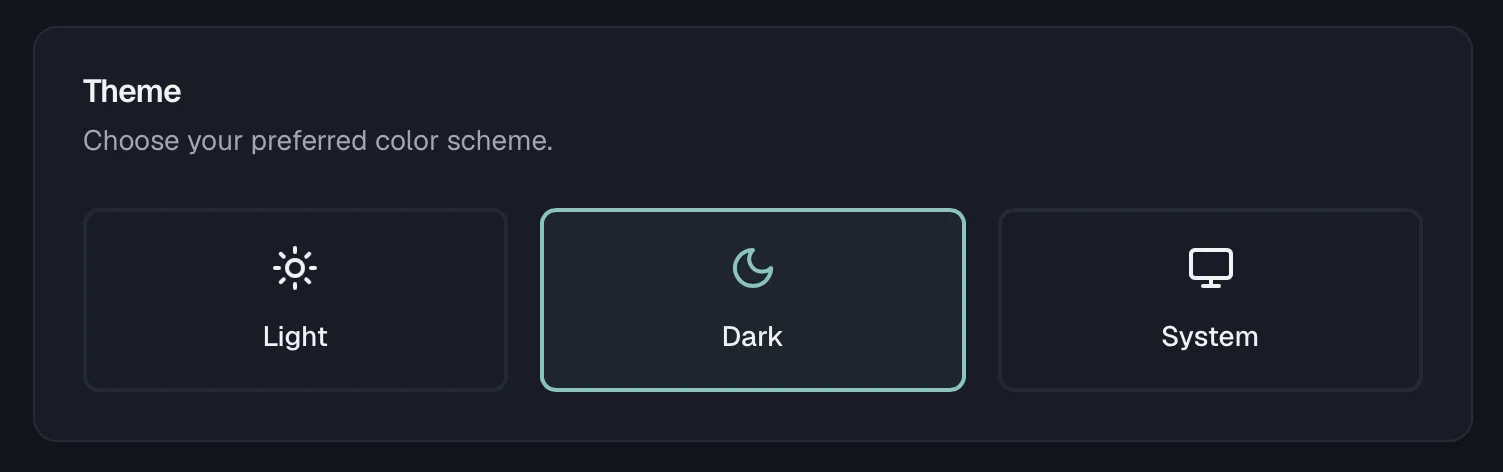
Theme
Choose your preferred color scheme from Light, Dark, or System, where System follows your operating system setting. The choice applies immediately and is remembered on this device.
Notifications
The Notifications card lets you choose which notification categories you receive and through which channel (in-app or email), per category. This is your personal override of the organization's defaults. See Notifications for the full breakdown.
Language & Localization
This card is marked Coming soon. Language and regional settings will be available in a future update.
Personal API Designer settings
The Account section also contains an API Designer page with your personal editor preferences for the API Designer. See API Design Settings.
Related
- Notifications — notification categories and channels in detail
- Organization Settings — settings that apply to your whole organization
- Members & Invitations — how your profile appears to teammates
- Organization Settings — what happens to your account when you leave an organization